Prerequisites & Tools
This section explains what must be prepared before starting vibe coding.
Minimum setup
- OS: Linux / macOS / Windows
- PHP 8.3+
- Composer 2+
- Node.js 20+
- PostgreSQL 14+
- Git
Recommended code editors
- VS Code
- Antigravity
A) VS Code Setup
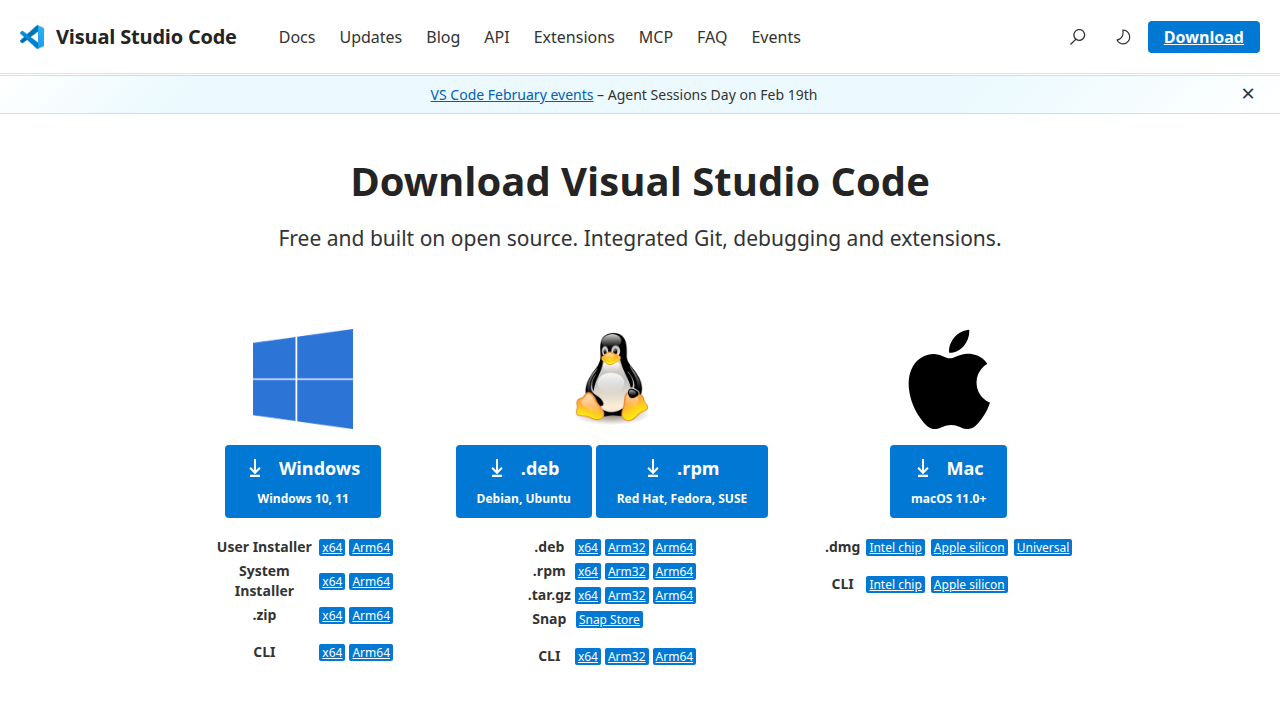
1. Download
- Open: https://code.visualstudio.com/Download
- Choose installer for your OS
2. Install required extensions
- PHP Intelephense
- Laravel Extension Pack (optional but recommended)
- EditorConfig
- Prettier (optional)
3. Open starter kit project
cd projects/vibe-starterkit
code .
4. Run baseline commands
php artisan starter:quality-gate
php artisan starter:docs-regenerate v1
B) Antigravity Setup
1. Download
- Open: https://antigravity.dev
- Follow installer for your OS
2. Open project folder
- Open folder:
projects/vibe-starterkit - Ensure internal terminal points to project root
3. Same workflow
No matter which editor you use, the workflow is the same:
- Update PRD first
- Implement feature
- Update required docs
- Run quality gate
- Regenerate docs bundle
Ready-to-code checklist
- Project runs (
php artisan serve) - Quality gate PASS
- Docs URL accessible (
/docs/v1) - Editor has core tooling